





Built with and for people with disabilities.
Android’s accessibility features help you engage with your world, your way. Have conversations, get work done, be entertained, tick off daily tasks and so much more.¹
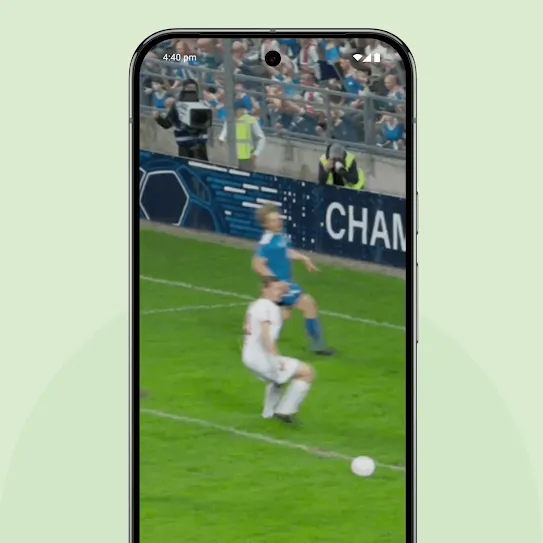
Expressive Captions
Captions just got more amaaazing.
AI-powered Expressive Captions now capture the duration and personality of every word. From cringey yiiiiikes and a surprised eeeeeek to laughs and sighs, you’ll catch it all.2
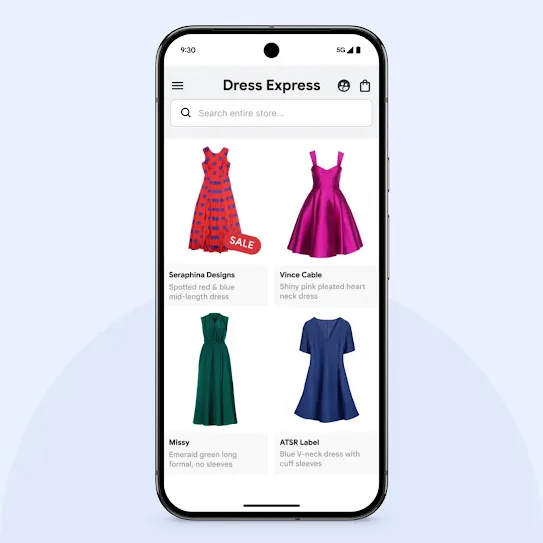
TalkBack
Ask Gemini for details.
Android’s built-in screen reader, TalkBack, is now supercharged by AI. It not only gives you a description, but lets you ask Gemini questions to dig into the details you care about.
See what your device can do.



Support accessibility at work.
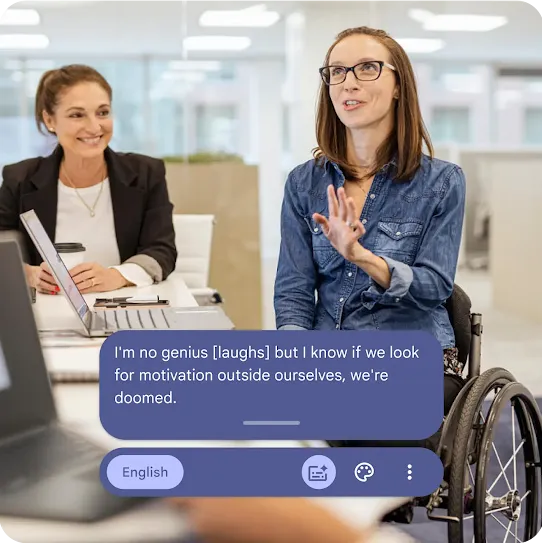
Work
Designed for all teams.
Accessibility tools and features created by and for employees with disabilities to help everyone do their best work on Android.
Participation & support.
-

Accessibility user testing.
Help us make our accessibility features even better by participating in user testing and providing helpful feedback. -

Help Center.
Learn more about how to enable accessibility settings or talk to someone from our Disability Support team at the Help Center.
Be in the mix
with Android.
Sign up to receive tailored emails and texts from Android with news, offers, events, and more.